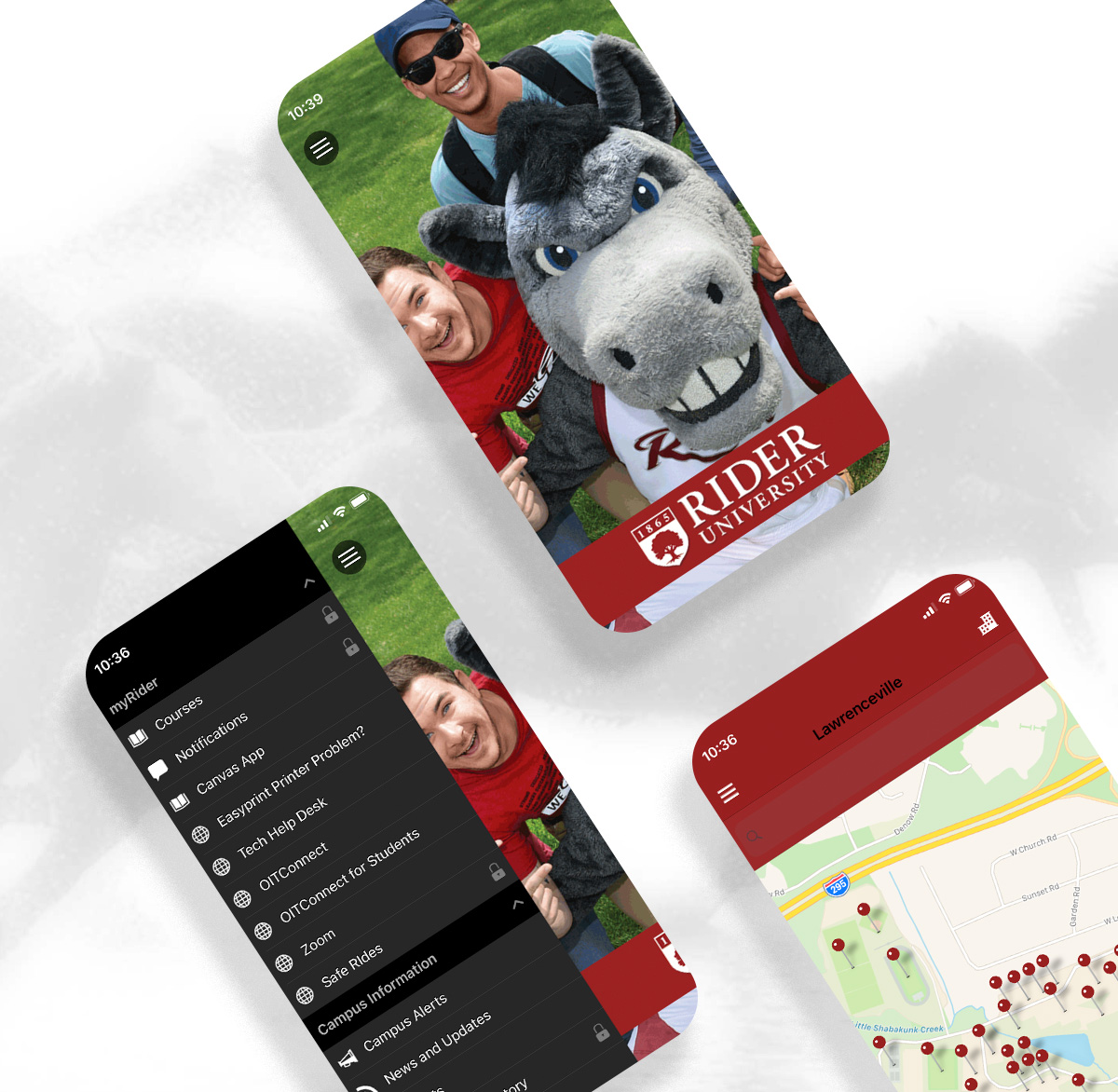

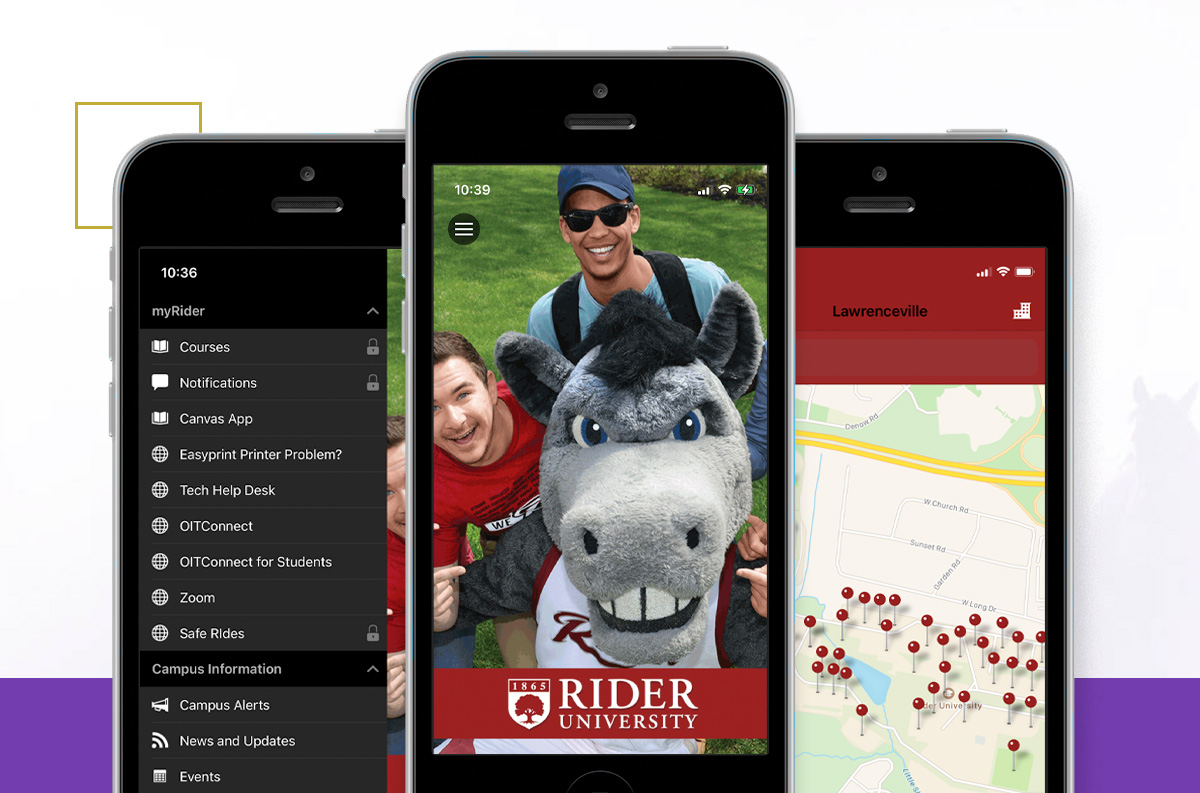
About the App
Through Rider’s partnership with Ellucian, Rider is able to offer quick and easy access to courses, grades and notifications among other school-related information that make the experience at Rider more efficient and more fun.
Available on iOS and Android, iOS 12.0+ and Android 4.3 and above.
Get the App
Search for Rider University Mobile
App Highlights
View your courses, grades and holds on your student account
Courses for Students
View and arrange how your course schedule appears (day or in full schedule by term), view grades, access contact information on instructors and connect with classmates via the course roster. You can also click on the map icon to get exact campus directions on course location for both campuses.
Courses for Faculty
See your course schedule in the view you prefer (day or in full schedule by term) and access your student rosters.
Grades for Students
Check midterm and final grades for all terms (current and past) for which you've taken a course for.
Note: Non-credit courses are not available in the mobile app. Visit the myRider portal via web browser for a more comprehensive display of grades.
Notifications
View holds on your student account.
Canvas
Link directly to Canvas to take advantage of course work and groups (and be sure to download the latest Canvas app).
Visit Canvas Support: For students | For faculty/staff
Quick access to campus information
Campus Alerts
Stay up-to-date on campus alerts and closings.
Faculty Directory
Contact information for Rider faculty and staff is at your fingertips.
Important Numbers
Gain quick access to important campus phone numbers.
Maps
View a detailed campus map with building locations and directions for the Lawrenceville campus.
News & Events
Stay informed on the latest news and events as soon as they're posted.
Mobile-friendly sites
Browse mobile-friendly sites for athletics, career development and success and webmail.
Social media sites
Get the latest tweets, posts and photos from Rider’s official social media sites: Facebook, Instagram, LinkedIn and Twitter are available.
Frequently Asked Questions
What devices are supported?
iOS 12.0+ and Android 4.3 and above.
Blackberry and Windows phones are not compatible.
How do I download the Rider University mobile app?
From your device, click on the appropriate link below to download. Search for Rider University Mobile
What features or content require me to sign in?
Courses, grades, notifications and directory content are available to users with a myRider portal account.
All other content is accessible without having to sign in.
Accessing Canvas may require users to download and/or enter in their RIDER KEY credentials.
How do I sign in to the Rider University mobile app?
Once the app is launched, click on the “Sign In” link at the bottom of the app or by using the app menu and use your RIDER KEY credentials.
Note: Please visit the Rider website or the myRider portal via web browser to take advantage of all features and functionality.
Where do I go if I have issues or need help?
Call 609-219-3000, e-mail helpdesk@rider.edu or visit us at www.rider.edu/helpdesk to submit a ticket.